Less hunting, less guessing, less interrupting, less repeating. More time on the machine.
Your OEM manuals, repair history, shift handovers and stocked parts, in one place your whole crew can reach from the machine. Manual answers show the manual and page they came from.
Built by a mechanic and supervisor with more than 23 years’ experience
Wolf Vision
What's the main relief pressure spec?
Work equipment main relief (boom/bucket circuit):
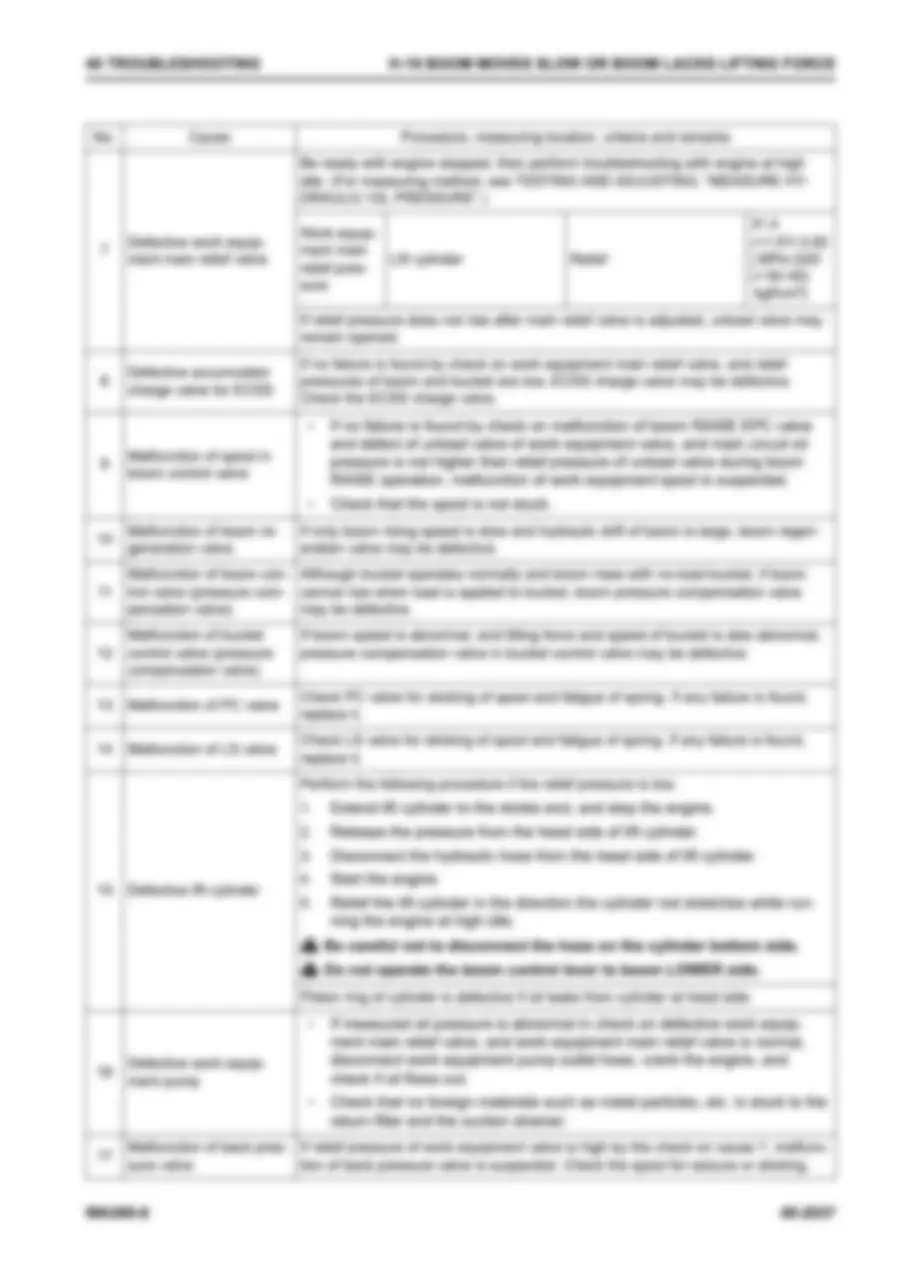
Spec is 31.4 MPa (+1.57/-3.92) {320 (+16/-40) kgf/cm²}, measured at the lift cylinder relief with the engine at high idle (Shop Manual, Page 3015, H-18 boom slow / lacks lifting force, cause 7).
Your last relief-pressure job on this unit (from the 2026-08-21 repair log, not the manual) found 26.0 MPa against that 31.4 MPa spec. The main relief valve was adjusted about half a turn to bring it back.
Shop Manual3015
Loader L-04
2026-08-21Hydraulic
Slow boom - main relief pressure low
Operator reported slow boom raise. Work equipment main relief pressure measured at 26.0 MPa, spec 31.4 MPa. Adjusted main relief valve about half a turn to bring it back to 31.4 MPa. Retested boom and bucket, OK. If pressure drops again, suspect the relief valve and replace it.
Engine hours
36070
Labour hours
1.50
Performed by
Marcus Webb
Shortened from a real answer.
You hear the same questions every shift.
A machine is down and production is waiting. None of what slows the job is unusual. It’s friction, and it adds up over every shift.
Hunting
“Where’s the manual for this one?”
“What’s the part number?”
“Do we have one in stock?”
The answer is in there somewhere, spread across a 4,000-page shop manual, the parts program and the warehouse.
Guessing
“Has anyone seen this fault before?”
“What did we do last time?”
The fault has been fixed before. The fix lives in someone’s head, or in a work order nobody can find.
Interrupting
“Can you come have a look?”
“Who knows this machine?”
Your best mechanic becomes the crew’s search engine and spends the shift answering questions instead of fixing machines.
Repeating
“Did night shift check the sensor?”
“What did they already rule out?”
The handover note is missing half the detail, so the next shift checks it all again, and the supervisor is expected to remember what happened on every machine.
Your crew already knows how to fix machines. What slows them down is everything around the fix.
What less friction looks like
One night shift, start to finish.
Three machines go down in the first hour: a haul truck, a dozer and a loader that’s dropping hydraulic pressure. The supervisor puts the two senior mechanics on the truck and the dozer. The loader goes to the newest mechanic on the crew.
01Interrupting
Learn the system first.
Open the system overview for the loader’s hydraulics, built from the manuals loaded for that model: the main components and how they work together.
Instead of: pulling a senior mechanic off the truck to explain it.
Learn · Wheel Loader
How It Works
Path: Engine-driven variable pumps draw tank oil; work equipment pump feeds the control valve and cylinders, steering pump feeds the steering valve and cylinders; return oil goes back to the tank.
The hydraulic tank is enclosed and pressurized. As the cylinders work and the oil level and temperature change, tank pressure changes. The filler cap contains a relief valve that lifts to vent the tank when pressure exceeds its setting. The breather has a poppet that opens on the difference between tank and outside pressure, so a falling oil level cannot pull the tank into a vacuum. Its sleeve relieves the tank if pressure climbs too high.
The work equipment pump is a variable displacement swash plate piston pump driven by the engine. It turns engine rotation and torque into oil pressure, and it changes output by changing the swash plate angle. Two valves on the pump set that angle. The load sensing (LS) valve compares pump pressure at the control valve inlet with the load pressure at its outlet. It adjusts pump volume to hold that pressure drop constant, so the pump delivers what the actuators demand. The pressure compensation (PC) valve cuts pump volume as load pressure rises, so the pump never absorbs more power than the engine can deliver. Current to the pump's solenoid control valve shifts this pressure-to-volume relationship in proportion. The steering pump has the same construction and the same two valves.
In the control valve at rest, the unload valve sends the pump's minimum-angle flow to tank. A spring holds pump pressure at about 1.77 MPa, with LS pressure at zero. When a spool is operated and demand exceeds that minimum flow, the unload valve blocks the tank path and all pump flow goes to the actuators. With fine control, the unload valve opens once the gap between pump pressure and LS pressure reaches the spring load. The pressure compensation valves keep a lightly loaded actuator from taking all the flow in combined operation. Their pressure reducing section passes the actuator's load pressure into the LS circuit. The LS bypass plug bleeds that circuit to tank through a clearance filter and orifice, which slows the rise of LS pressure and improves stability. A main relief valve limits system pressure. For boom lowering, when lift cylinder bottom pressure is higher than head pressure, the regeneration circuit feeds return flow from the bottom side to the head side to speed the cylinder. The variable back pressure valve raises back pressure only during boom lower and bucket dump, to prevent a vacuum on the head side and ignition of the hydraulic oil. An accumulator charge valve takes oil from the main pump to supply an accumulator and the solenoid valve source pressure.
The steering valve sends steering pump oil to the right or left steering cylinder to turn the machine. Its steering relief valve holds circuit pressure during steering. A separate relief valve protects the steering pump's LS circuit from abnormal pressure.
The secondary steering pump and its motor sit on the right side of the transmission. They supply the steering circuit if the engine stops or steering pressure falls below the specified value. The controllers watch the steering pressure sensors. If steering pressure drops while travel speed is above the secondary steering "ON" value, the motor starts automatically. The operator can also run it with the secondary steering switch, regardless of pressure or speed. Keep switch operation to 60 seconds at a time, at no more than 5 km/h.
AI-generated overview — always verify critical specs and procedures against the original OEM manual.
How It Works and the component roles explain the system using this machine's manuals together with general mechanical knowledge. The checks, values and safety steps are taken from the manuals.
Diagnostic Starting Points
Follow your site's lockout and tagout rules before any repair. The steps below are what this machine's manuals add.
Before you touch it
Park on level ground, lower the work equipment to the ground, set the parking brake, chock the tires, and stop the engine.
Turn the ECSS switch OFF with the bucket on the ground, and leave it OFF for the whole job.
With the engine stopped, loosen the hydraulic tank oil filler cap slowly to release tank pressure.
Turn the starting switch ON and set the work equipment lock switch to UNLOCK.
Move the work equipment control lever fully to RAISE and LOWER 2 to 3 times to bleed off the remaining circuit pressure. Then set the work equipment lock switch back to LOCK and turn the starting switch OFF.
Treat the circuit as still possibly pressurized, because pressure may not be fully released even after this.
When disconnecting wiring or removing the hydraulic tank, set the frame lock bar to LOCK, turn the battery disconnect switch OFF and remove the key.
Before disconnecting the travel damper (ECSS) piping, release the accumulator. First do the cylinder-to-control-valve pressure release above. Support the boom with a blocking tool if you raise it to remove the cover. Then loosen the travel damper relief plug on the work equipment control valve 1/2 to 1 turn.
Check these first
Look for fault codes. On the standard monitor screen, hold down ▽ and press 1, 2, 3 in order to open the service menu. Select 03 Abnormality Record, then the Mechanical Sys or Electrical Sys Abnormality Record. The monitor logs past and current failures. An "E" beside a code means the fault is still occurring or has not been restored.
Check that the hydraulic tank oil level is correct.
Check that the lever stroke of the boom or bucket control lever is correct.
Check the work equipment pump strainer for clogging.
Check the pump suction-side piping for cracks, which let air in.
Use the monitor's monitoring function to read work equipment pump pressure and engine speed while you test.
Boom or bucket moves slow or lacks force
If the boom will not rise at all and the bucket does not work either, suspect the power take off (PTO) first.
If not, check the work equipment pump strainer for clogging and the suction piping for cracks. If either is found, that is the cause.
Measure the EPC source pressure with all control levers (including the steering wheel) in NEUTRAL and the engine at high idle. The spec is 3.72 ± 0.2 MPa {38 ± 2.0 kgf/cm²}. If it is low, suspect the pressure reducing valve of the accumulator charge valve.
Measure the EPC valve output at the lever. Boom RAISE should be 1.93 ± 0.03 MPa {19.7 ± 0.35 kgf/cm²}. Bucket tilt back should be 2.38 ± 0.14 MPa {24.3 ± 1.4 kgf/cm²}. If only that one is low, suspect that EPC valve.
If all the EPC outputs are low, suspect the shut off valve in the work equipment valve pilot circuit. Check that its spool is not stuck.
If the above is normal, check the unload valve relief pressure with the control lever in NEUTRAL, the engine at high idle and the accelerator fully depressed. The spec is 2.35 ± 0.59 MPa {24 ± 6 kgf/cm²}. If it is off, suspect the unload valve of the work equipment valve.
AI-generated overview — always verify critical specs and procedures against the original OEM manual.
The boom and bucket are slow. EPC source pressure is normal, but all EPC output pressures measured at the levers are low. Which component should you suspect first?
Shortened from a real overview.
02Hunting
Ask the manuals.
“Boom’s slow and the bucket’s got no breakout. Where do I start?” Ask with the loader’s shop manual open. It searches that manual, plus any others you add to the question, and comes back with the checks, citing the manual and page.
Instead of: walking to the office, finding the right manual, scrolling hundreds of pages, then trying a second one.
03Guessing
Check it against the page.
Tap the citation and that page opens, so you can read it for yourself.
Instead of: taking an answer on trust.
04Guessing
See what was done last time.
Turn on repair history and past repairs on that unit show up alongside the answer. Tap one to see what was done.
Instead of: asking around the crew and hoping someone remembers.
Wolf Vision
Boom's slow and the bucket's got no breakout. Where do I start?
Boom and bucket both weak points to something common to the work equipment circuit, so start with the shared items before chasing the individual valves. The manual's pages are H-18 (boom slow/lacks lifting force) and H-24 (bucket slow/lacks tilt-back force).
Step 2: Quick checks
⚠️ WARNING: Release the remaining pressure from the work equipment circuit before opening anything. Follow TESTING AND ADJUSTING, "RELEASE REMAINING PRESSURE FROM WORK EQUIPMENT CIRCUIT." The manual warns pressure may not be fully released even after you do this, so take care (Shop Manual, Page 3025).
Check the hydraulic tank oil level.
Check the bucket lever stroke.
Monitor work equipment pump pressure (code 94700) and engine speed (code 01002) (Shop Manual, Page 3025).
Step 3: Shared causes, cheapest first (Shop Manual, Pages 3025 and 3026)
Clogged work equipment pump strainer.
Air sucked in on the pump suction side. Check the piping for cracks.
Accumulator charge valve (pressure reducing valve) output. All levers neutral, engine at high idle, spec is 3.72 ± 0.2 MPa {38 ± 2.0 kgf/cm²}. This is the EPC source pressure for the bucket valve pilot.
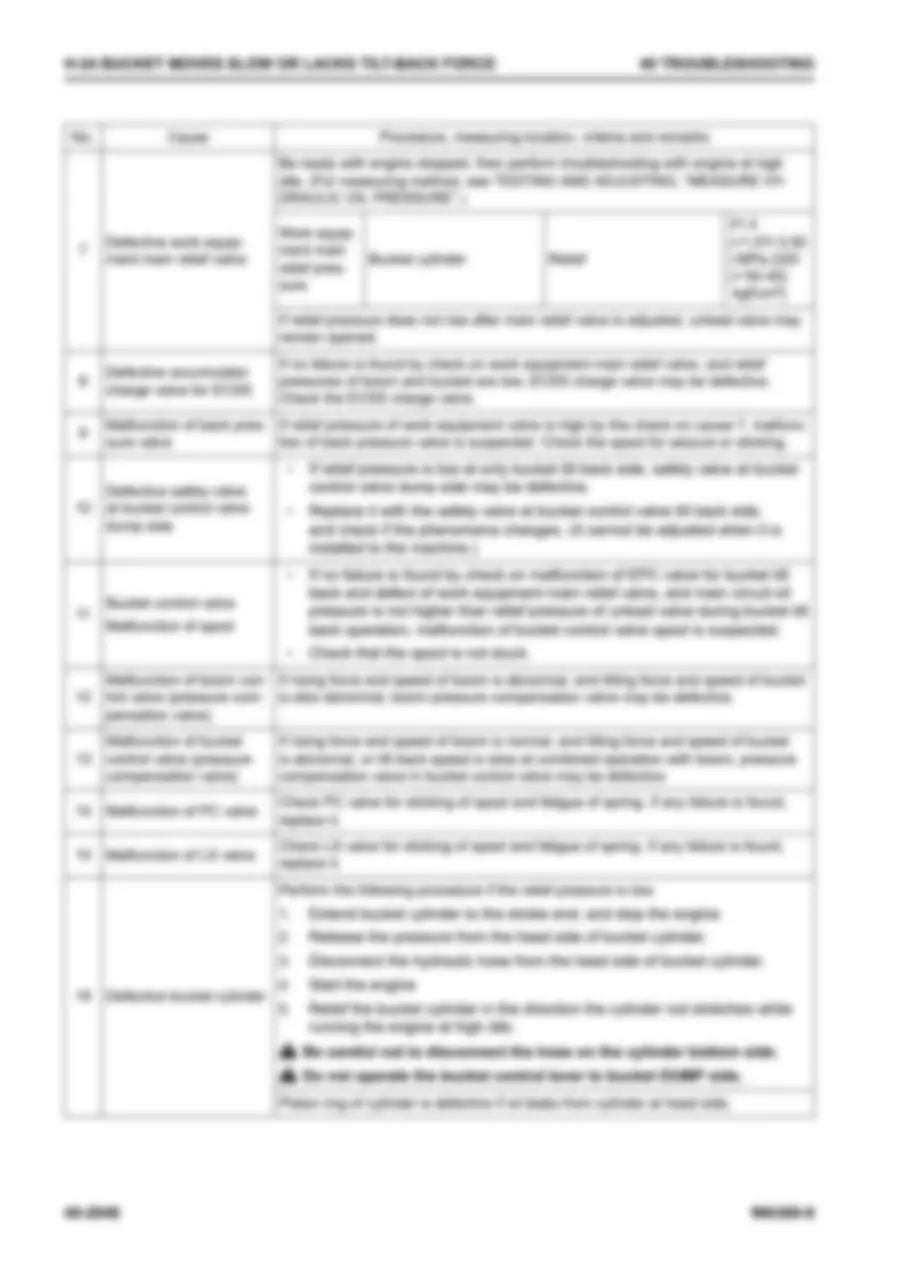
Work equipment main relief pressure. Measure at the bucket cylinder relief and the lift cylinder relief, spec 31.4 (+1.57/-3.92) MPa {320 (+16/-40) kgf/cm²}. If the pressure won't rise after adjusting the main relief, the unload valve may be stuck open.
Step 4: Check this unit's history
On 2026-08-21 this unit had a slow boom with main relief at 26.0 MPa against the 31.4 MPa spec. The relief valve was adjusted about half a turn and it retested OK. Check the main relief first. If it has dropped again, you have a recurring problem. Look for the cause (an unload valve leaking, a worn pump, or the relief valve itself) before adjusting it again.
Shop Manual3026
Loader L-04
2026-08-21Hydraulic
Slow boom - main relief pressure low
Operator reported slow boom raise. Work equipment main relief pressure measured at 26.0 MPa, spec 31.4 MPa. Adjusted main relief valve about half a turn to bring it back to 31.4 MPa. Retested boom and bucket, OK. If pressure drops again, suspect the relief valve and replace it.
Engine hours
36070
Labour hours
1.50
Performed by
Marcus Webb
Shortened from a real answer.
05Hunting
Know if the part’s on the shelf.
With the loader’s parts book open, ask for the part. The answer gives the part number, and if you stock it, the number is marked in stock, with how many are on hand and where they sit in the warehouse.
Instead of: copying the part number into the warehouse program and checking there.
Wolf Vision
what's the part number for the relief valve on the control valve?
The relief valve on the main control valve is In StockMAT:70098101Qty:1HY2104VALVE;RELIEF;MAIN;723-30-91300, qty 1. It's listed as ".Valve, Relief" on Parts Book p.358 (2-spool, 3-valve, 6/8) and p.374 (3-spool, 4-valve, 6/10). The part number is the same on both configurations.
Seals listed with it (p.358 / p.374):
O-Ring,
Ring, Back-up,
O-Ring,
Page 358 · Parts Book
Search parts...
AI can make mistakes. Always verify critical specs and procedures.
Before the shift ends, the mechanic logs the repair, then writes the handover with the repair attached, mentioning the supervisor. Next shift, ask Old Mate about the loader and it answers from that handover.
Instead of: a note on the whiteboard that’s missing half the detail.
Loader L-04Location: Workshop Bay 2Main relief valve replacedFinished
What was done
Main relief valve replaced, boom and bucket breakout back to normal, pressure set to spec and no leaks. Repair logged. Good to go back to the pit. @Brad Fenwick
Parts used
Parts from the linked repair. To change them, edit the repair.
Main relief valve723-30-91300
O-ring×2700-13-31161
O-ring×207002-13334
Old Mate·Loader L-04
What was done on this machine last shift?
Last shift was the 14 Oct Night shift handover, and the main job was replacing the main relief valve in Workshop Bay 2. It's marked Finished and logged as the 2026-10-14 repair.
What happened
Complaint: Slow boom raise and weak bucket breakout, the same as in August.
Test: With the oil at temp and the engine at high idle, work equipment main relief read 25.5 MPa. Spec is 31.4 MPa (from the repair log, not the manual).
Adjustment: It wouldn't hold, and the pressure dropped back after a few cycles.
Finding: With the valve out of the control valve, the poppet seat was worn and scored.
Fix: Fitted a new main relief valve 723-30-91300 x1, with new o-rings 700-13-31161 x2 and 07002-13334 x2.
Set and retest: Set to 31.4 MPa and torqued the locknut. Boom raise and bucket breakout were both normal, with no leaks.
Labour and hours: 3.5 hrs at 36982 engine hrs.
Status: The handover says it's good to go back to the pit.
It's worth a quick pressure check at the next PM to confirm the new valve is holding.
The newest mechanic on the crew has the information to work through the loader without pulling a senior mechanic away. The senior mechanics stay on their machines, and the next shift has a proper record of what happened.
Real examples from TroubleshootHD, in a simplified view. Manual pages are blurred here because they’re the manufacturer’s copyright. In your account you see your own manuals in full.
Built by a mechanic, for mechanics.
Jarrad Monger, Founder · Mechanic and supervisor · More than 23 years’ experience in Australia and Canada
I grew up in a mining town in Western Australia and spent more than 23 years as a mechanic and supervisor, the last eight at an underground mine in northern Canada. Every problem on this page is one I dealt with myself.
The one that stayed with me was turnover. Good mechanics moved on, new ones started, and what the last crew knew went with them. The answers were in the manuals and the work orders, but nobody on a breakdown had time to dig for them.
I built TroubleshootHD so what a crew learns stays with the crew, and the newest mechanic can find it when they need it.
You deal with me directly. If it doesn’t fit the way your shop works, tell me.
Jarrad
Also in the box.
Old Mate. Ask about a unit, a model or a component, and it answers from your own repair history. Ask about a unit or model and it reads your shift handovers too. What your best mechanic knows is still there when they’re off shift.
Pack Builder. Pull the manual pages a job needs into one PDF.
Service sheets. Built from your manuals, or upload your own.
Repair analytics.Wolf Pack Your repair history as a PDF report.
Roles.Wolf Pack Admin, supervisor and technician access.
TroubleshootHD finds it. The manual proves it. The mechanic decides.
Unlike a general chat tool, it works from your organization’s own manuals and records, scoped to the machine you’re on. TroubleshootHD uses AI to search and explain your manuals and records. Specs, part numbers and procedures are answered from the manuals you’ve loaded, with the source page cited so the information can be checked before anyone acts on it. If the manuals don’t cover something, TroubleshootHD is designed to say so rather than guess. The AI can make mistakes, so always check the cited source before acting on the information.
Your manuals and records stay yours, and they’re never used to train AI models.
TroubleshootHD isn’t trying to replace your CMMS. There’s no integration to build and nothing to install.
Stays in your CMMS
Work orders, scheduling, costs and the official record. SAP, Maximo, Pronto or whatever you run stays the system of record.
Lives in TroubleshootHD
Your OEM manuals, repair history with parts and photos, shift handovers, and your stocked-parts list. It’s what the crew reaches for at the machine.
Comes in, if you want it
Past work orders from a spreadsheet export. Shops running on paper or spreadsheets simply start from today.
On the floor
Nothing to install and no new hardware. The phones and tablets your crew already carries are enough, and it sits on the home screen like an app, with no app store involved.
Manuals open page by page, so nobody waits on the whole book to download.
Upload a manual once and the whole crew has it.
A lost or new device is just a login.
What it doesn’t do
Better you hear it here than after you’ve signed up.
It doesn’t replace your CMMS or sync with it.
It doesn’t supply manuals. It works from the ones you own and upload.
It needs a signal to open manuals and answer questions. Heading underground or out of signal? Download the manuals you’ll need from the app before you go, and save them to your phone. It opens them without the app, signal or not.
Stock status comes from the parts list you import, not a live link to your warehouse program.
Up and running without a sales call.
Your organization is ready as soon as payment goes through.
01
Sign up.
Pick a plan and create an account with email or Google.
02
Add your equipment.
A guided wizard walks you through a model, then the units you run. Manuals loaded against a model are shared with its units.
03
Upload your manuals.
Drag in the PDFs you have: service, operation, parts. Each one is prepared in the background while you carry on.
04
Invite the crew. Wolf Pack
Send email invites. An invite only works for the email it was sent to.
05
Bring your history (optional).
Import past work orders and your stocked-parts list.
Founding member pricing.
Join during beta and pay half price for the first six months, then 25% off the regular price for as long as you stay subscribed.
Prices in:
Canada, Australia and the US are billed in their own currency. Everywhere else is billed in CAD, with local tax included where it applies.
Wolf Pack
For crews and workshops
$27.50 CAD per seat, per month regular price $55
First six months. Then 25% off the regular price while subscribed.
3-seat minimum: $82.50 CAD a month for a crew of three.
Everything in Lone Wolf, plus:
Shift handovers with crew mentions and notifications
Admin, supervisor and technician roles
100 AI requests per seat each month, shared by the crew
Prices in CAD, billed monthly, plus applicable tax. Every plan has a 30-day money-back guarantee.
What beta means
TroubleshootHD is in active development and improving every week. You may come across a rough edge or the occasional bug, and some features will evolve as we learn from real shops. In return, founding members get 50% off for the first six months, a lower rate for as long as they stay, and a direct line to the founder. If something isn’t working for your crew, tell me and I’ll work to fix it or improve it. If TroubleshootHD isn’t right for you, the 30-day money-back guarantee applies, and your admin can export your data.
Questions we get asked.
Which makes and models does it work with?
It works from the manuals you upload, whatever the make: service, operation and parts manuals as PDFs. It reads the text in a PDF. A scanned manual saved as page images can’t be searched until it’s run through OCR (text recognition).
We already pay for ChatGPT or Copilot. Why would we need this?
Those are general tools. Out of the box they don’t know your fleet: which machine you’re standing at, what’s been done to it, or what’s on the shelf. TroubleshootHD is built around exactly that. It keeps your manuals, repair history, handovers and stocked parts in one place for the whole crew, with manuals and repair history filed by model and unit. Ask about a machine and it searches that machine’s manuals and history, and answers from the manuals cite the page so they can be checked. When a mechanic moves on, what they learned stays with the crew.
If your techs are uploading manuals to their own personal accounts, those manuals and your fleet’s details are sitting somewhere the company can’t see or control. Here they belong to your organization, and they’re never used to train AI models.
Is there a free trial?
No. Every plan has a 30-day money-back guarantee instead.
Can we change the number of seats later?
Yes. Your admin changes the seat count in settings. Wolf Pack has a three-seat minimum.
Can I get help setting up?
Yes. Email me and I’ll help you get your first machines and manuals in.
Who owns our manuals and data?
You do. Your manuals and records are never used to train AI models.
Why are there no reviews yet?
We’re in beta, and the first shops are using it now. When a supervisor is willing to put their name to what it’s done for their crew, their words will go here. Until then, I’d rather show you nothing than make something up.